Truth Nuggets are the atomic units of verified fact in TruthVouch. Every piece of hallucination detection, content certification, and compliance verification runs against your Truth Nugget library. The richer and more accurate your library, the more precise and actionable your monitoring becomes.
This guide walks you through creating your first Truth Nuggets, organising them effectively, and connecting them to Hallucination Shield for active monitoring.
What Are Truth Nuggets?
A Truth Nugget is a single, verifiable statement of fact that your organisation has validated as accurate. Think of them as the authoritative source of record for claims that AI models might make about you.
Examples of good Truth Nuggets:
- Product fact: “TruthVouch Starter plan costs $349 per month and includes 2 monitored LLMs, 50 cross-checks per month, and 1,000 API verify calls per month.”
- Compliance rule: “All AI systems handling EU citizen data must comply with the EU AI Act requirements for high-risk AI systems, including conformity assessments and documentation obligations.”
- Brand guideline: “TruthVouch is described as an ‘AI trust platform’, not an ‘AI safety tool’ or ‘AI compliance software’.”
- Technical specification: “TruthVouch’s RAG Proxy supports OpenAI, Anthropic, Cohere, and Azure OpenAI as upstream providers.”
Truth Nuggets are not documents or paragraphs — they are precise, single-purpose factual statements. One claim per Nugget makes them easier to maintain and produces more targeted detection.
Step 1: Navigate to Knowledge Base
- Log in to app.truthvouch.ai
- In the left sidebar, expand Hallucination Shield
- Click Knowledge Base
- You are on the Truth Nuggets management screen
If this is a fresh account, the library will be empty. You will see an invitation to create your first Nugget or import from a CSV.
Step 2: Create Your First Truth Nugget
Click + New Truth Nugget to open the creation form.
Fill in the following fields:
Content (required): The factual statement itself. Keep it to one sentence or a short, self-contained claim. Avoid vague language — be specific about numbers, names, dates, and terms.
Good:  "The Starter plan includes monitoring for up to 3 LLM connections."
Avoid: "The Starter plan has some LLM monitoring features."
Category (required): The logical grouping for this fact. See the categories section below for recommended structure.
Tags (optional): Free-form labels for filtering and search. Examples: pricing, product:starter, region:eu, status:current.
Source URL (optional): Link to the authoritative source document — your pricing page, compliance policy, product spec sheet. This is displayed in alerts so your team can verify the claim when reviewing.
Confidence level (required): How certain you are that this statement is currently accurate:
- Verified — Confirmed by an authoritative source, reviewed recently
- High — Very likely accurate, from a reliable internal source
- Medium — Believed to be accurate but may need periodic review
- Low — Provisional or subject to change
Expiry date (optional): Set a review date for time-sensitive facts like pricing, regulatory deadlines, or product availability dates.
Click Save Truth Nugget. The Nugget is now active and will be used in all new verifications.
Step 3: Organise with Categories
Categories keep your knowledge base manageable as it grows. We recommend starting with these four top-level categories and expanding from there:
Recommended Category Structure
Product Facts Everything factual about your products and services — features, pricing, availability, compatibility, supported integrations. This is typically the largest category and directly impacts hallucination detection for customer-facing AI.
Sub-categories: pricing, features, integrations, limitations, release-dates
Compliance & Legal Regulatory requirements, legal obligations, policy commitments, and certification statuses. This powers Compliance AI evidence mapping and ensures AI-generated compliance summaries are accurate.
Sub-categories: eu-ai-act, gdpr, soc2, iso42001, data-retention, terms-of-service
Brand & Messaging Approved terminology, brand descriptions, competitive positioning, and messaging guidelines. Prevents AI from using deprecated product names, wrong taglines, or competitor comparisons you have not approved.
Sub-categories: brand-voice, product-names, taglines, competitive, prohibited-claims
Technical Specifications Architecture facts, API behaviour, performance characteristics, security controls, and infrastructure details. Critical for technical documentation assistants and developer-facing AI features.
Sub-categories: api, security, performance, architecture, certifications
Industry-Specific Additions
For financial services: Add a regulatory-disclosures category with approved risk language and a product-eligibility category with customer eligibility rules.
For healthcare: Add a clinical-claims category (reviewed by medical affairs) and a regulatory-approvals category covering FDA clearances or CE marks.
For SaaS: Add a roadmap-commitments category for publicly committed features and a SLA category with uptime and support commitments.
Step 4: Connect Truth Nuggets to Hallucination Shield
Once you have at least 5–10 Truth Nuggets, you can activate monitoring. Hallucination Shield uses your Nuggets to score and flag LLM responses in real time.
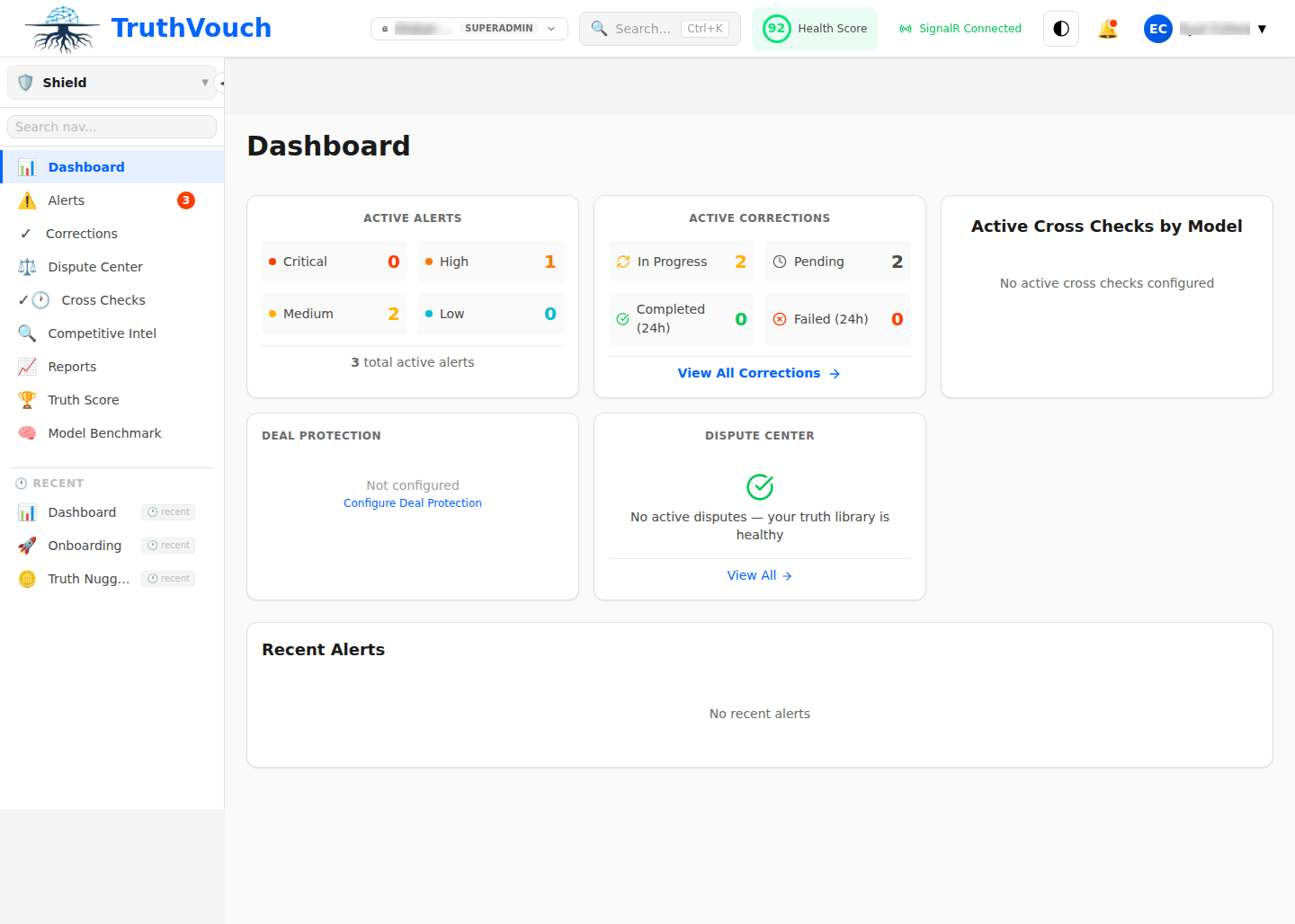
- Navigate to Hallucination Shield > Monitoring
- Click + New Monitoring Set
- Give the set a name (e.g. “Product & Pricing Facts”)
- Select the Truth Nugget categories to include
- Configure which LLMs to monitor (OpenAI GPT-4, Anthropic Claude, Google Gemini, etc.)
- Set the polling frequency: Real-time (via proxy), Scheduled (every 1/6/24 hours), or On-demand
- Click Activate
Hallucination Shield will now continuously query the selected LLMs with probing questions derived from your Truth Nuggets and score each response for accuracy.
Step 5: Monitor Your Truth Score
The Truth Score is a rolling aggregate accuracy metric — it shows what percentage of monitored LLM responses about your organisation are factually aligned with your Truth Nuggets over a given time window.
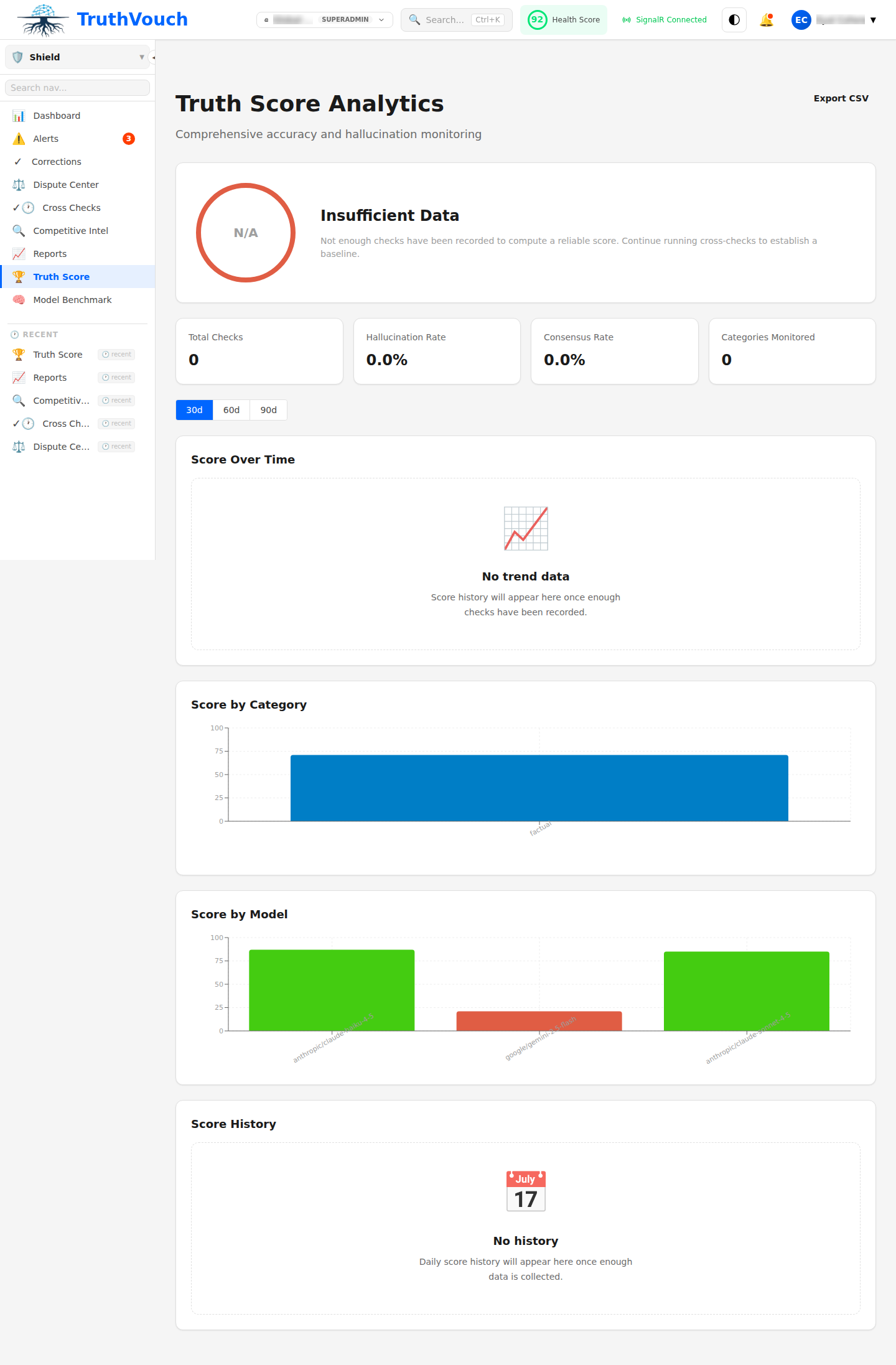
The Truth Score dashboard shows:
- Overall score: Your aggregate accuracy across all monitored LLMs (0–100%)
- Per-LLM breakdown: How each AI model performs individually — useful for knowing which models to trust more in your applications
- Trend graph: Score over time — watch for drops after major product changes or news events
- Category breakdown: Which categories of Truth Nuggets generate the most failures
A Truth Score below 80% indicates a significant hallucination problem that likely needs immediate attention. Most mature TruthVouch customers maintain scores above 90%.
Tips for an Effective Knowledge Base
Start with the facts that matter most. Begin with your top 20 most-queried facts — typically pricing, key product features, and company identity claims. These will have the highest hallucination rate and the most business impact.
One claim per Nugget. Avoid compound statements. “We offer GDPR compliance and SOC 2 Type II certification” should be two Nuggets, not one. This makes failures more precise and actionable.
Use Nuggets to encode what you are not. Negative facts are equally important: “TruthVouch does not offer a free tier with production API access” is a valid Nugget that prevents a very common LLM mistake.
Review Nuggets when things change. Set expiry dates on pricing, product availability, and compliance status Nuggets. An outdated Nugget is worse than no Nugget — it will generate false negatives.
Import from existing docs. Use the Bulk Import feature to extract Nuggets from your product documentation, pricing pages, or compliance policies. TruthVouch’s AI extraction assistant will suggest Nuggets from pasted text, which you review and approve.
Next Steps
You now have a working Truth Nuggets knowledge base and active monitoring. Here is how to build on this foundation:
- Connect Your LLM App to Hallucination Shield — Route your application’s LLM calls through TruthVouch for real-time, per-response verification.
- Run Your First AI Compliance Assessment — Your Compliance-category Truth Nuggets can be used directly as evidence in automated compliance assessments.
- API Reference — Manage Truth Nuggets programmatically via the REST API for CI/CD integration and bulk management workflows.